Best Free Productivity Apps in 2026: Boost Efficiency Instantly
Are you tired of feeling overwhelmed by your to-do list? What if you could get more done without spending a dime?
The right productivity app can help you stay focused, organized, and motivated every single day. You’ll discover the best free productivity apps in 2026 that are designed to boost your efficiency and simplify your life. Whether you want to manage tasks, track habits, or collaborate with others, these tools have you covered.
Keep reading to find the perfect app that fits your style and helps you reach your goals faster.
Top Free Productivity Apps For 2026
Finding good productivity apps can help you get more done every day. The right tools keep tasks organized and save time. In 2026, many free apps offer strong features for work and study. These apps suit different needs like note-taking, task management, and focus.
Here are some top free productivity apps that stand out this year. They work well on phones, tablets, and computers. Easy to use and powerful enough to boost your daily output.
Todoist
Todoist helps you manage tasks and projects with simple lists. It syncs across devices so you can check your tasks anywhere. Set due dates, priorities, and reminders to stay on track. Its clean design makes task tracking clear and easy.
Notion
Notion combines notes, databases, and calendars in one app. Organize information your way with drag-and-drop tools. Use templates to start quickly for work or school. Collaborate with others by sharing pages and editing together.
Microsoft To Do
Microsoft To Do keeps your daily tasks simple and neat. Integrate with Outlook and other Microsoft apps smoothly. Create task lists, set reminders, and add notes. The app updates in real time across all devices.
Forest
Forest helps you focus by growing a virtual tree while you work. Stop using your phone and watch your tree grow. If you leave the app, the tree dies. A fun way to avoid distractions and boost attention.
Google Keep
Google Keep is great for quick notes and checklists. Add voice notes, images, and color tags to organize ideas. Syncs with Google Drive to access notes anywhere. Simple and fast for jotting down thoughts on the go.
Task Management Apps
Task management apps help organize daily work and personal projects. They keep tasks in one place, making it easier to track progress. These apps reduce stress by breaking big jobs into small steps. Many free apps offer tools that fit different needs and work styles.
Using a good task manager saves time and boosts focus. It shows what to do next and helps set priorities. You can create lists, set reminders, and share tasks with others. These features keep you on track and improve teamwork.
Features To Look For
Choose apps that are easy to use and understand. Look for clear lists and simple navigation. Task reminders help avoid missing deadlines. Syncing across devices keeps work updated everywhere. Collaboration tools allow sharing tasks with team members. Customizable categories or tags organize tasks by project or priority. Offline mode is useful for working without internet. Check for calendar integration to see tasks in daily plans.
Best Options Available
Todoist offers a clean design and useful features for free users. It supports task labels, deadlines, and recurring tasks. Microsoft To Do integrates well with other Microsoft apps. It has smart suggestions and daily task planning. Trello uses boards and cards to visualize work clearly. It is great for group projects and simple tracking. Google Tasks syncs with Gmail and Google Calendar. It is straightforward and fits well with Google tools.
Note-taking Apps
Note-taking apps help capture thoughts quickly and keep them organized. These apps work on many devices, so you can access notes anytime. They make it easier to remember tasks, ideas, and important information. Using the right app can improve your daily productivity.
Organizing Ideas Effectively
Good note-taking apps offer simple ways to sort and find notes. You can use folders, tags, or colors to group related ideas. Some apps let you add images, checklists, or voice recordings for better context. Clear organization saves time and helps you focus on what matters.
Popular Free Apps
Many free apps provide strong note-taking features without cost. One popular choice is Microsoft OneNote, which syncs notes across devices. Another is Evernote, known for its easy-to-use interface and search tools. Google Keep offers simple notes and reminders with fast syncing. These apps suit students, workers, and anyone who wants to stay organized.
Time Tracking Tools
Time tracking tools help you see how long tasks take. They show where your time goes each day. These tools can improve focus and reduce wasted minutes.
Using a time tracker makes it easier to manage work hours. It helps you plan breaks and avoid burnout. Many free apps also offer reports to check your progress.
Benefits Of Time Tracking
Time tracking brings clear benefits to your daily work. It highlights tasks that consume too much time. This helps you adjust priorities quickly.
Tracking time boosts productivity by reducing distractions. You stay aware of how you spend each hour. This awareness encourages better habits and faster work.
It also supports accurate billing for freelancers and consultants. Knowing exact hours worked prevents undercharging clients. Plus, it helps in setting realistic deadlines.
Leading Free Tools
Several free time tracking apps stand out in 2026. Clockify offers simple tracking with unlimited projects and users. It has a clean interface and useful reports.
Toggle Track focuses on ease and speed. One click starts or stops the timer. It syncs across devices and provides basic insights free.
RescueTime runs in the background. It tracks apps and websites automatically. You get detailed reports on productivity trends.
Each tool has unique strengths. Choose one that fits your workflow and needs.
Collaboration And Communication Apps
Collaboration and communication apps help teams work better together. They make sharing ideas and tasks easier. These apps save time and reduce confusion. Many free options offer powerful tools for any team size. Use them to keep everyone connected and organized.
Enhancing Teamwork
Good teamwork needs clear communication. Apps with chat, video calls, and file sharing improve cooperation. Teams can discuss projects instantly. Everyone stays updated on tasks and deadlines. These tools help avoid missed messages and delays. They build trust and keep the team focused on goals.
Top Free Apps For Teams
Slack offers real-time messaging and channels for different topics. It supports file sharing and integrates with other tools. Microsoft Teams combines chat, meetings, and document collaboration in one place. Zoom provides easy video calls with screen sharing features. Trello uses boards and cards to track tasks visually. Google Meet allows simple video meetings linked to Google Calendar. All these apps work well for small to large teams.
Calendar And Scheduling Apps
Calendar and scheduling apps help organize your day. They keep appointments in one place. These tools reduce stress and save time. Using the right app improves your daily workflow. You can plan meetings, set reminders, and track tasks easily.
Many free apps offer strong features. They work on phones, tablets, and computers. Synchronizing your schedule across devices is simple. Notifications keep you updated on important events. Sharing calendars with others helps teamwork.
Managing Appointments
Managing appointments becomes easier with a good app. You can create, edit, or cancel events quickly. Most apps allow you to set alerts before meetings. This avoids missing important deadlines or gatherings. Some apps also let you add notes or locations. Color-coding events helps identify priorities at a glance. Repeating appointments can be scheduled with just a few taps. This saves time for regular meetings or tasks.
Best Free Scheduling Tools
Google Calendar is a popular free option. It syncs with many other apps and devices. You can share your calendar with friends or coworkers. Microsoft Outlook Calendar offers strong integration with email. It works well for both personal and business use. Calendly is great for setting up meetings with others. It lets people pick available times without back-and-forth emails. Zoho Calendar provides a simple interface with useful features. It supports group scheduling and multiple time zones. These free tools cover most scheduling needs efficiently.
Automation And Integration Apps
Automation and integration apps help connect different tools. They reduce manual work by automating repetitive tasks. These apps save time and improve productivity. They let you focus on important work instead of routine jobs.
Many free apps offer easy automation options. They connect your emails, calendars, social media, and more. These connections help your apps work together smoothly. No need to switch between apps constantly.
Saving Time With Automation
Automation cuts down the time spent on daily tasks. It handles simple jobs like sending reminders or updating spreadsheets. Automation runs in the background without your attention. You get more free time to work on creative projects. It reduces errors caused by manual data entry. Automation keeps your workflow steady and consistent.
Popular Free Automation Tools
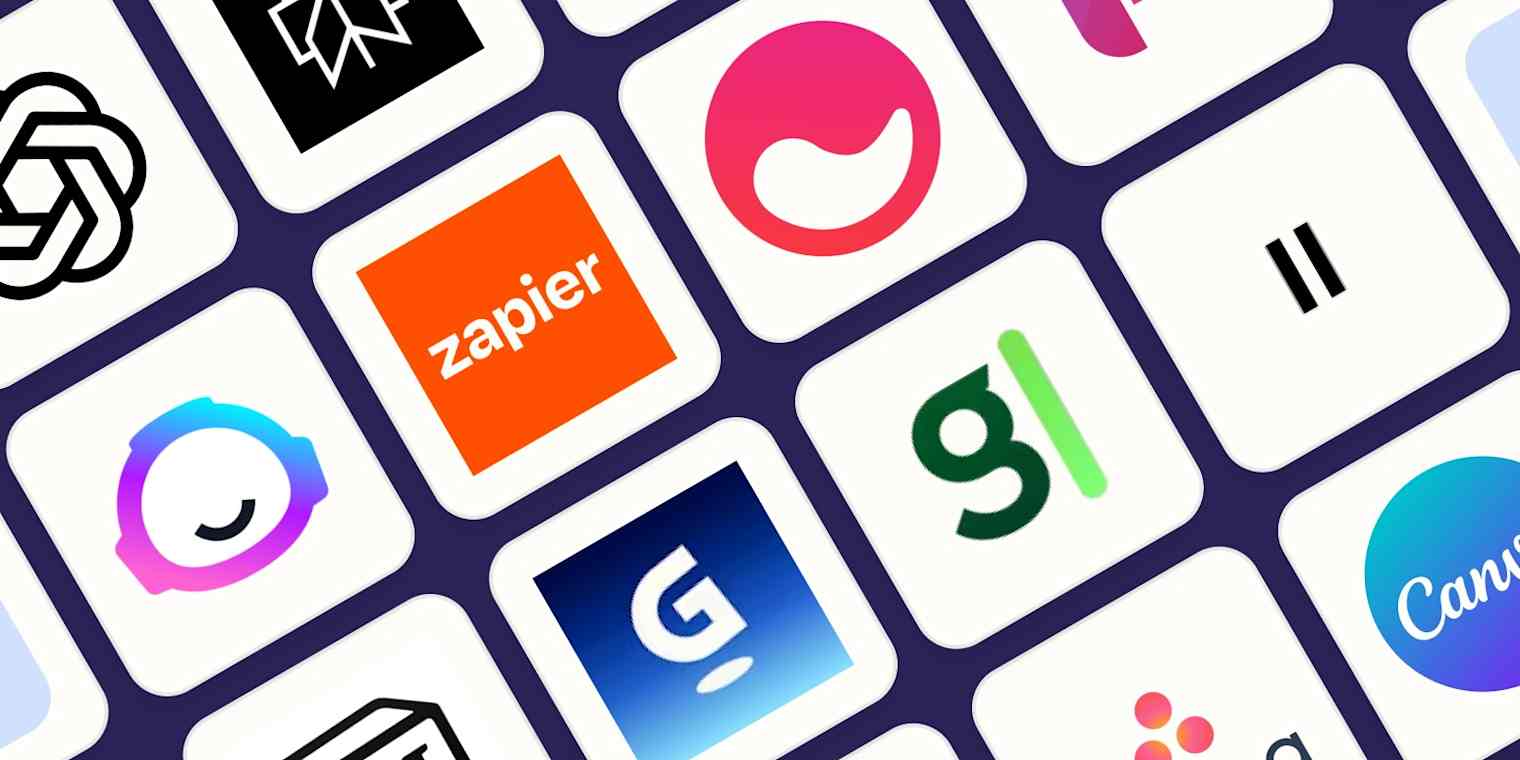
Zapier offers many free automation options for beginners. It links apps like Gmail, Slack, and Google Sheets easily. IFTTT (If This Then That) connects smart devices and apps simply. Microsoft Power Automate has a free plan for basic automation. It works well with Office 365 apps. Integromat (now Make) provides a visual way to create automation workflows. All these tools help you save time daily. They have user-friendly interfaces for easy setup.
Tips To Maximize App Efficiency
Using productivity apps can save time and keep tasks organized. But just downloading apps is not enough. You need to use them smartly. Small habits can help you get the most from these tools. Simple changes in how you use apps boost your daily work flow and focus.
Try to plan your app use based on your work style. Clear goals for each app help reduce distractions. Setting limits on app notifications keeps you focused. Regularly cleaning up your app data stops clutter and slows. These tips help keep your work smooth and efficient.
Combining Apps For Better Workflow
Using several apps together often works best. Choose apps that connect or share data. For example, a note app linked with a calendar app saves time. It helps you keep track of ideas and deadlines in one place. Sync apps that work well on phones and computers.
Find apps that suit different tasks but fit your style. Use one app for tasks and another for communication. This way, you won’t mix work and messages. Look for apps with easy export and import options. This makes moving information between apps quick and simple.
Avoiding Common Pitfalls
Overloading on apps can cause confusion. Limit your choice to a few reliable ones. Too many apps slow you down and cause distraction. Avoid apps with too many features you won’t use. This prevents wasting time learning and managing them.
Don’t ignore app updates. They fix bugs and improve speed. Regularly review your app list and delete unused ones. Avoid multitasking on multiple apps at once. Focus on one task at a time to improve quality. These small habits keep your workflow clean and fast.

Frequently Asked Questions
What Are The Top Free Productivity Apps In 2026?
The top free productivity apps in 2026 include Notion, Microsoft To Do, and Trello. These apps offer task management, note-taking, and collaboration features. They help users stay organized and efficient without any cost.
How Can Free Productivity Apps Boost Work Efficiency?
Free productivity apps streamline task tracking, scheduling, and communication. They reduce time spent on manual organization and improve focus. Users can manage projects easily, leading to higher productivity and better time management.
Are Free Productivity Apps Suitable For Team Collaboration?
Yes, many free productivity apps support team collaboration. Tools like Trello and Slack enable real-time communication and project updates. They help teams stay aligned and complete tasks efficiently without additional expenses.
Can Free Productivity Apps Integrate With Other Tools?
Most free productivity apps offer integrations with popular tools like Google Calendar and Dropbox. These integrations enhance workflow by syncing data and automating tasks. This makes managing projects and schedules seamless and efficient.
Conclusion
Choosing the right productivity app can save you time and stress. Many free options offer useful tools for daily tasks. Try a few to see which fits your style best. These apps help keep your work and life organized. Staying consistent with one app can improve focus and results.
Start small, and watch your productivity grow step by step. Simple apps often bring the biggest benefits. Keep your goals clear and your tools easy to use. Productivity is about progress, not perfection.